Farm Management Software for Small Farms: A Practical Guide

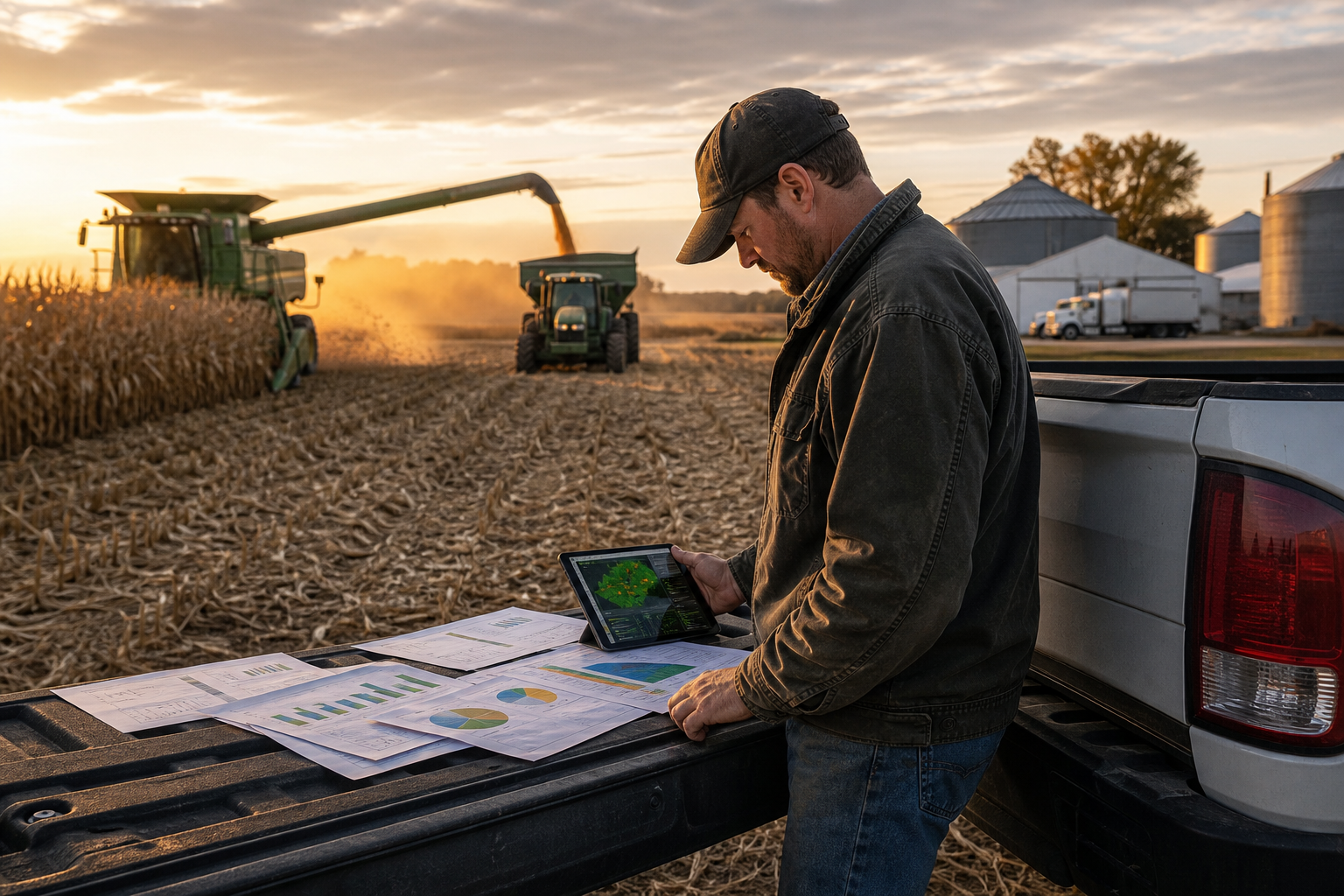
Farm management software for small farms is a single digital platform that replaces paper logbooks and scattered spreadsheets with one connected system for your fields, crops, weather, and finances. For a small operation, the goal is not enterprise complexity — it is getting an accurate, always-current picture of the farm without hiring extra help. This guide covers what the software does, which features actually matter for a small farm, what it costs, and how to get started.
Why small farms benefit the most
It is easy to assume software is only for large operations, but small farms often gain the most. Margins are tighter, labor is limited, and there is rarely a dedicated bookkeeper or agronomist on staff. That means a single missed spray window, an unrecorded input cost, or an unprofitable field carried for another season has an outsized impact. Farm management software turns the details you already track in your head into records you can actually act on.
Because everything lives in one place, the numbers connect. Your field boundaries drive your acreage, your acreage drives your input costs, and your costs roll up into profit per field. That is the difference between knowing your farm made money overall and knowing which acres made it.
Features that matter for a small farm
You do not need every feature on day one. Focus on the four that carry the most weight:
- Field mapping and acreage. Accurate boundaries make every other number reliable. Start with our guide to field boundary mapping for acreage, inputs, and profit.
- Crop and growth-stage tracking. Timing scouting, spraying, and harvest by growth stage is where small farms win. Learn to use growing degree days for better timing.
- Weather monitoring and alerts. Field-specific forecasts help you avoid wet-field entry and missed windows. See using farm weather alerts for better field timing.
- Simple financial tracking. Income and expenses by field and crop reveal true profit per acre. Pair it with a solid farm cash flow and budgeting plan.
What it costs
Pricing for small-farm tools is modest, especially compared to the cost of one bad decision. CropSense uses transparent tiered plans starting at $79/month with a 14-day free trial and no charge today — review the details on the pricing page. The right question is not “how cheap is it” but “what will it save me this season.”
How to get started without overwhelm
The most common mistake is trying to adopt everything at once. Instead:
- Pick the one problem that costs you the most — usually mapping, timing, or finances.
- Set up just that area and use it for two to three weeks until it is a habit.
- Add the next area once the first is running smoothly.
This phased approach keeps data entry realistic during a busy season and builds trust in the numbers. For the bigger picture of how these pieces fit together, read our complete guide to farm management software, and explore the full CropSense feature set to see how mapping, crops, weather, and finances connect.
Common objections — and why they usually don’t hold up
“My farm is too small to need software.” In practice the opposite is true: with fewer acres, each one matters more, and there is no room to carry an unprofitable field unnoticed. “I don’t have time to learn it.” Modern tools are designed for a five-minute setup per area, not a training course — and the time saved chasing numbers across notebooks pays it back quickly. “I’ll just keep using paper.” Paper works right up until you need to compare this season to last, or answer a lender’s question about cash flow on the spot.
What to track from day one
You do not need a perfect dataset to start. Begin with the essentials and let the record build over the season:
- Field boundaries and acreage for every field you farm.
- What is planted where, with planting dates and current growth stage.
- Every input and expense — seed, fertilizer, chemical, fuel, and custom work — tagged to a field.
- Income as it comes in, so profit per field is always current.
Within a single season this gives you something paper never could: a side-by-side view of which fields and crops actually earned their keep, ready before you plan next year.
A realistic first season
Expect the first few weeks to feel like extra effort while entry becomes a habit. By mid-season the software starts giving back — a weather alert that saves a spray, a profit view that flags a field to rethink, a tax-time export that takes minutes instead of an evening. That shift from data entry to decision support is the whole reason to adopt it.
The bottom line
Farm management software for small farms is not about adding complexity — it is about removing it. One connected record, accessible from the field on your phone, that tells you what to do next and which acres are actually paying off. Start small, solve your biggest bottleneck first, and expand from there.
Frequently Asked Questions
What is the best farm management software for small farms?
The best option is the one that solves your biggest bottleneck first — field mapping, crop timing, or finances — without forcing enterprise complexity. Look for mobile access, a fast setup, and transparent pricing. CropSense combines mapping, crop tracking, weather, and finances in one platform built for small and mid-size farms.
Is farm management software worth it for a small farm?
Yes. Small farms run on thin margins, so avoiding one missed spray window or one unprofitable field often pays for the software many times over. Modern tools are inexpensive and quick to adopt.
Can I run farm management software from my phone?
Good farm management software is mobile-first so you can log fields, crops, and expenses from the field instead of waiting until you are back at a desk. CropSense works in the browser on any device.
Put these insights into action
CropSense brings field mapping, crop tracking, weather, and farm finances into one simple platform.
Start your free trial